
Overview
VariCAD Viewer & Converter is a specialized productivity tool designed for professionals working with 2D and 3D CAD files. It enables users to view, convert, and print a wide range of engineering and design documents without requiring the original CAD software. The app supports essential formats such as DWG, DXF, STEP, and VariCAD’s native file types, making it a versatile solution for cross-platform collaboration and file management. Its primary purpose is to eliminate format compatibility barriers, allowing teams to share and work on designs regardless of the software used to create them. This is particularly valuable in engineering, architecture, and manufacturing environments where file exchange is frequent. The target users include designers, engineers, drafters, and project managers who regularly handle CAD files but do not need full CAD editing capabilities. The app is especially useful for those who require quick access to visualizations, need to convert files for external sharing, or must prepare print-ready outputs. By offering a full-featured trial version for 30 days, VariCAD s.r.o. provides a risk-free way to evaluate the tool’s functionality before purchase. The developer, VariCAD s.r.o., is known for its focus on CAD software solutions, suggesting a strong commitment to technical accuracy and workflow efficiency. In the broader app ecosystem, VariCAD Viewer & Converter fills a niche gap by offering a lightweight yet powerful alternative to full CAD suites for viewing and conversion tasks.Key Features & Functionality
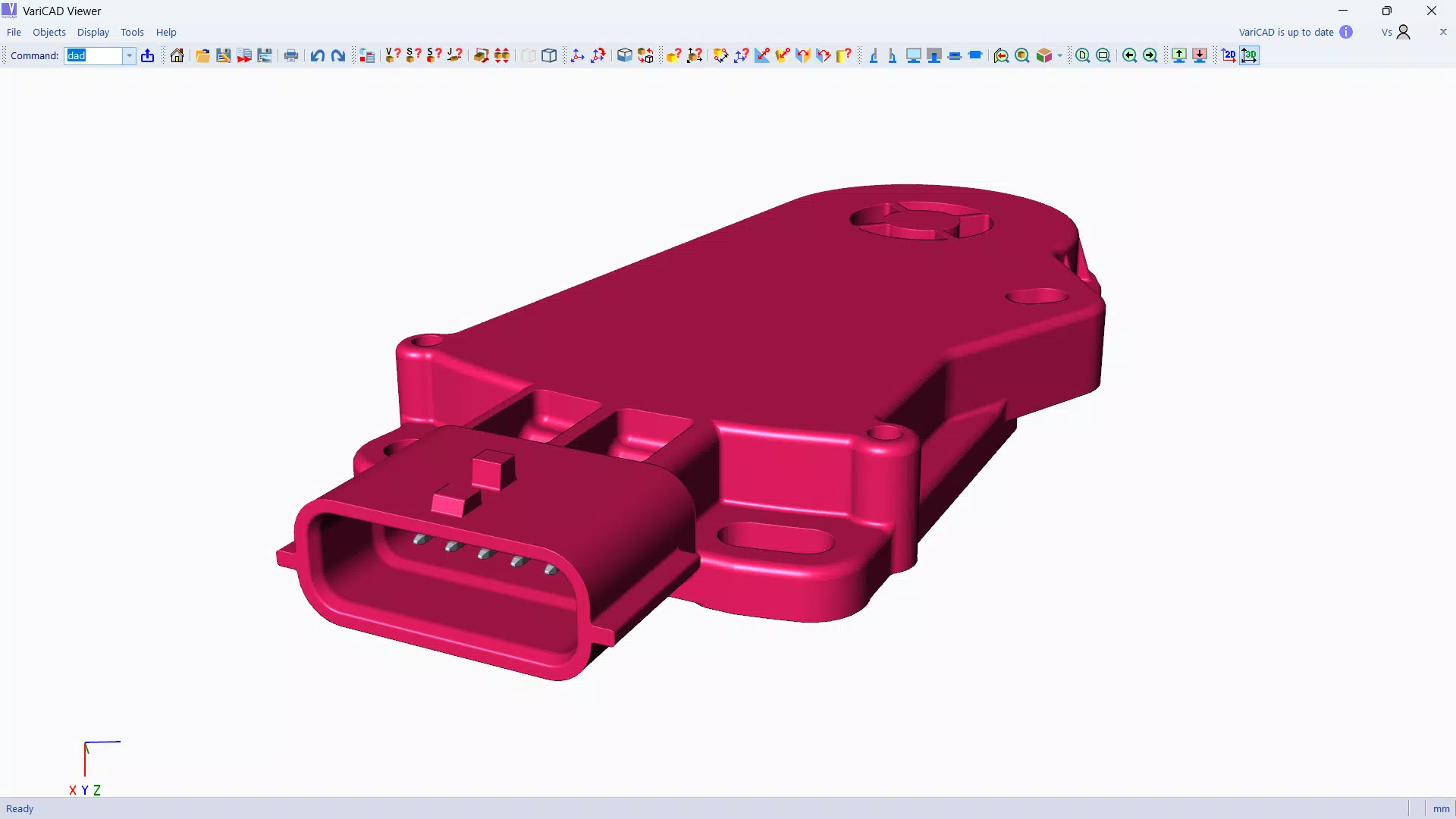
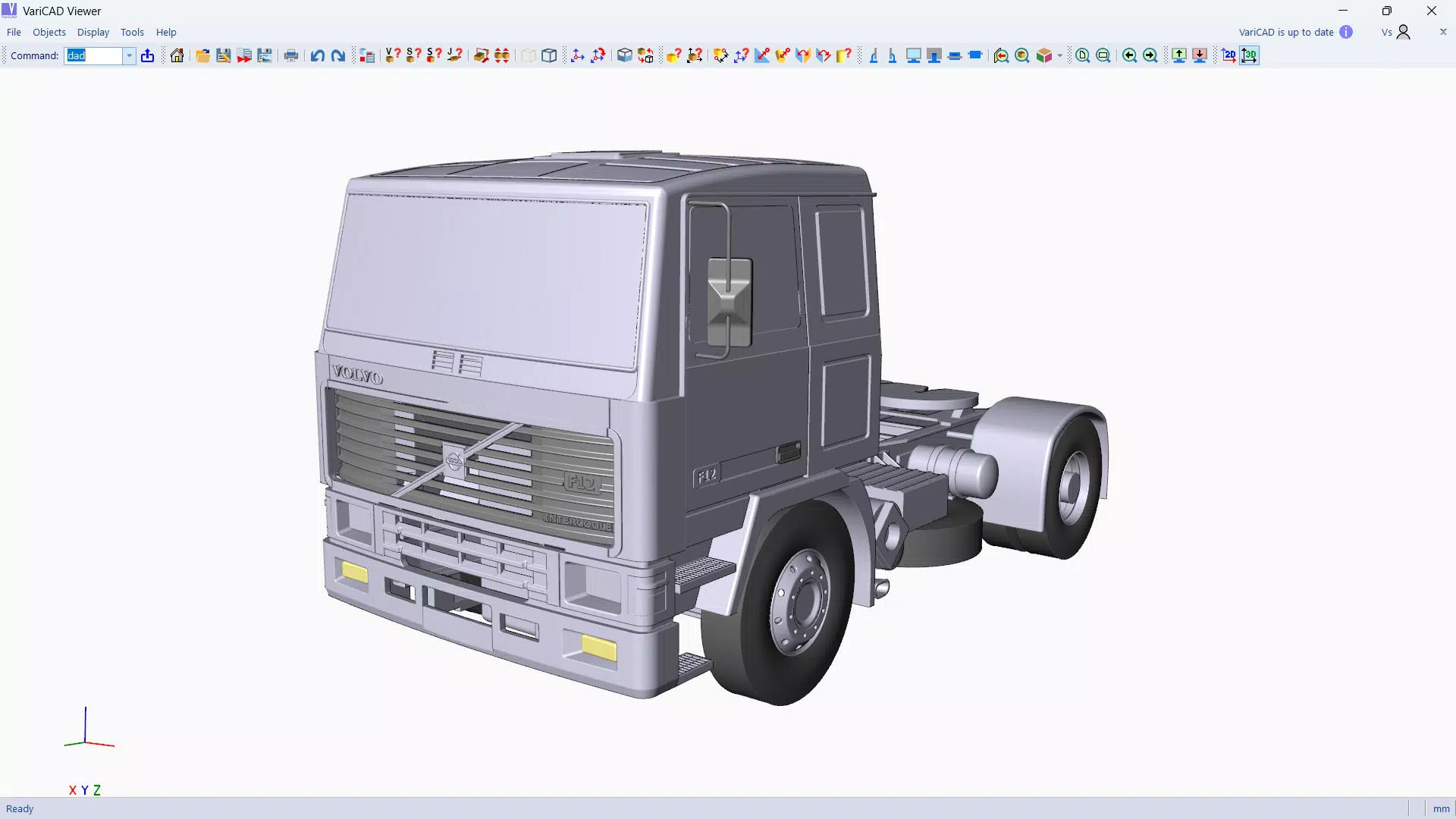
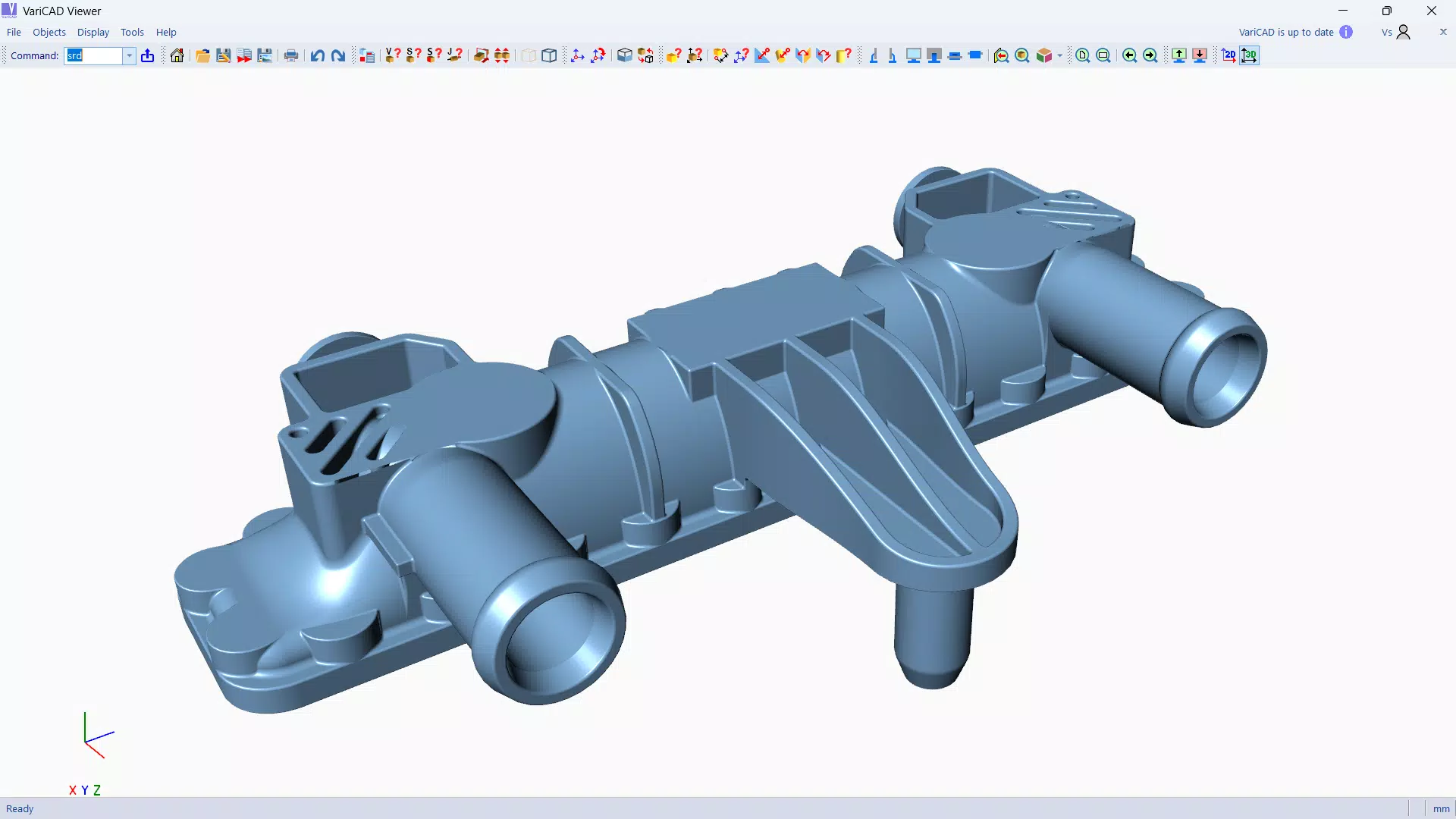
VariCAD Viewer & Converter delivers a focused set of capabilities tailored to CAD professionals. One of its core strengths is multi-format compatibility, supporting 2D formats like DWG and DXF, as well as 3D formats such as STEP. This allows users to open and inspect files from various sources without dependency on specific software, streamlining workflows across different teams and organizations. The ability to convert between these formats enhances interoperability, especially when delivering designs to clients or subcontractors using different CAD platforms. The batch printing and conversion feature is a significant time-saver. Users can process multiple files simultaneously, applying consistent settings across all documents. This is ideal for preparing large sets of drawings for printing or converting entire project folders into standardized formats. Custom 3D display settings further enhance usability, allowing users to adjust lighting, perspective, and rendering styles for clearer model visualization. These views can be exported as high-resolution bitmap images, useful for reports, presentations, or documentation. The intuitive interface ensures that both new and experienced users can navigate the tool efficiently. Functions are logically organized, minimizing the learning curve. The 30-day trial version provides full access to all features, enabling users to test the software in real-world scenarios. This hands-on evaluation supports informed purchasing decisions, particularly for teams assessing the tool’s fit within existing workflows.- Multi-format support: Opens and converts DWG, DXF, STEP, and VariCAD files
- Batch printing and conversion for multiple files
- Customizable 3D display settings with lighting and perspective controls
- High-resolution bitmap export for presentations and documentation
- Full-featured 30-day trial with no functional limitations
Interface, UX & Performance
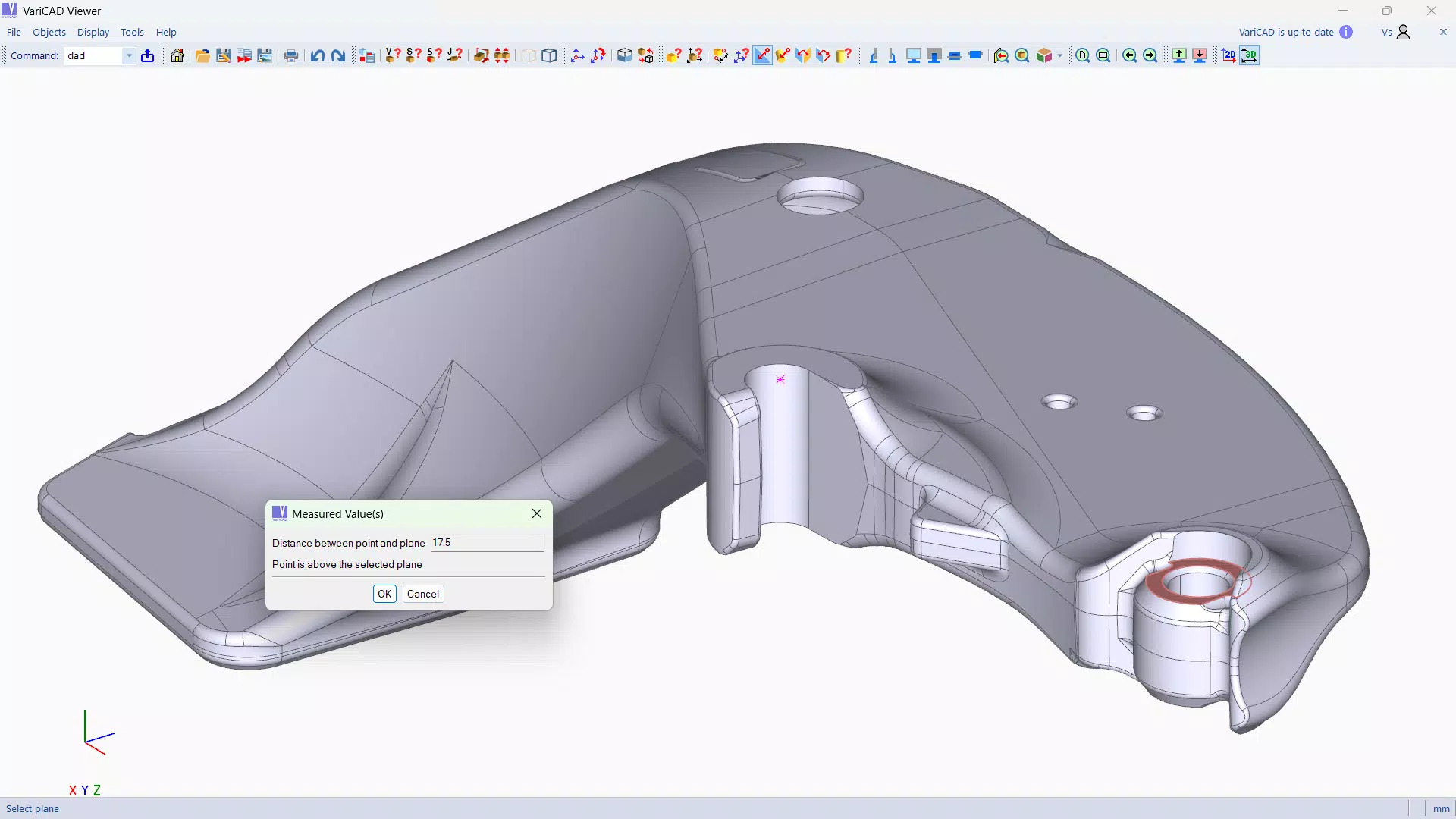
The user interface of VariCAD Viewer & Converter is designed with clarity and functionality in mind. It presents a clean, organized layout that prioritizes accessibility without sacrificing depth. Navigation is straightforward, with toolbars and menus positioned logically to support common tasks such as file loading, conversion, and printing. The visual style is professional and minimal, reducing distractions and helping users focus on the CAD content. Users can easily switch between 2D and 3D views, with responsive controls for zooming, panning, and rotating models. The interface adapts well to different screen sizes and resolutions, ensuring usability across a range of desktop setups. Although the developer did not list formal performance metrics, the app’s 234 MB file size suggests a compact footprint, which typically correlates with efficient resource usage. The software is optimized for stability during extended sessions, making it suitable for processing large or complex files. Responsiveness is consistent across operations, with minimal lag during file loading and rendering. The batch processing functions operate smoothly, maintaining system performance even when handling multiple files. Users report reliable behavior during conversion and printing tasks, with no indication of crashes or data corruption. The overall experience reflects a mature application built for real-world productivity, not just basic viewing.Platform Compatibility & Technical Requirements
VariCAD Viewer & Converter is available exclusively for Windows platforms. The current version is 2025.0.0, with a file size of 234 MB. This indicates a lightweight installation that does not require significant disk space or high-end hardware. The developer did not specify minimum OS requirements, nor did they provide information about compatibility with older Windows versions or specific hardware configurations. While the app is designed for desktop use, it does not support mobile platforms such as Android or iOS. The lack of cross-platform availability limits accessibility for users who rely on tablets or smartphones for on-site work. The developer did not disclose details about system requirements, including RAM, processor, or graphics capabilities. Users are advised to ensure their system meets general Windows desktop standards for running graphic-intensive applications. Despite the absence of detailed technical specifications, the app’s performance and stability suggest it is compatible with modern Windows environments. The absence of platform-specific updates or mobile versions means users must rely on a Windows PC for full functionality.Pros and Cons
- Supports multiple CAD formats including DWG, DXF, STEP, and VariCAD files
- Batch printing and conversion significantly improve workflow efficiency
- Customizable 3D display settings for enhanced visualization
- Intuitive interface suitable for both beginners and experienced users
- 30-day full-featured trial allows risk-free evaluation
- Only available for Windows, no mobile or macOS support
- Specific system requirements were not disclosed by the developer
- Price point of $129.00 may be high for individual users or small teams
- No cloud integration or collaboration features mentioned
- Limited to viewing, converting, and printing—no editing capabilities
FAQ
Is VariCAD Viewer & Converter free to use?
The app offers a 30-day full-featured trial. After the trial period, a license must be purchased for continued use. The one-year license is priced at $129.00.
Can I convert files from DWG to STEP using this software?
Yes, VariCAD Viewer & Converter supports conversion between multiple formats, including converting DWG files to STEP and vice versa.
Is the software compatible with Windows 11?
The developer did not specify compatibility details. However, given the app’s release date in 2025 and standard Windows desktop requirements, it is likely compatible with Windows 11.
Does the app support batch processing for large numbers of files?
Yes, the software includes batch printing and batch conversion features, allowing users to process multiple files at once efficiently.
Can I use this app on a Mac or mobile device?
Currently, VariCAD Viewer & Converter is only available for Windows. There are no versions for macOS, Android, or iOS platforms.


